Recently, I got to examine and improve code at work. One of my achievements to date is upgrading Ember from 5.12 to 6.6 a few months ahead of schedule. There are 2 reasons for why we (including you) can move fast even with a small team: (1) Ember's conventions and (2) codemods.
A. What are codemods?
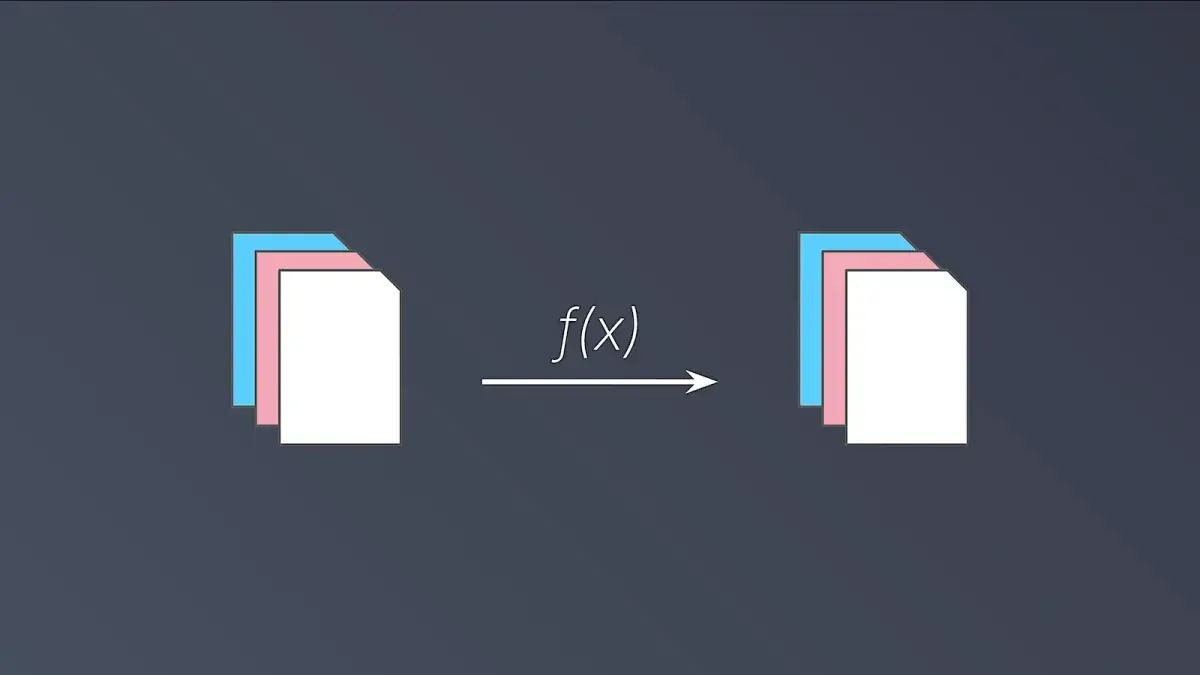
A codemod is a function that takes files as input and output. It reads the files of interest, makes some changes, then saves the result to your disk.
One special case is the identity function. That is, not all codemods need to make a change. As a result, linters are a codemod. Tools that gather files, collect metrics, analyze package dependencies, or find vulnerabilities are also one.
In short, codemods are everywhere and you've likely used a few already.
B. Why use codemods?
Codemods help you make your code frictionless, uniform, and modern. All in a short amount of time. By removing unnecessary noise and variations in code, you get to maintain and extend what remains with greater ease.
Here are some examples of how we used codemod-utils to improve our codebase.
1. Frictionless
- ember-template-lint (sort invocations)
- eslint (sort class members, imports, TS interfaces)
- prettier (format hbs tags,
<template>tags) - stylelint (sort properties)
- package.json (sort properties)
For details, see ijlee2-frontend-configs.
2. Uniform
- Add missing tests
- Inject services
- Rename components
- Rename design tokens
- Rename test modules
3. Modern
- Find old helpers (check where and how they are used before replacing them)
- Remove Sass
- Add component signatures
- Report TS coverage
- Adopt
<template>tags
C. Codemod to add <template> tags
As mentioned above, our next immediate task is to adopt <template> tags, which let us write JavaScript and templates in the same file. Ember encounters less need to resolve *.hbs files, so apps can be built faster and we are a step closer to adopting Vite and Glint v2. (At the time of writing, the latter doesn't support *.hbs files.)
Until now, we had two options for migration: Run @embroider/template-tag-codemod or manually convert files. The former works by letting Embroider build our app, then copying the built code to *.{gjs,gts}.
The main disadvantage to the build approach: The codemod can fail to run depending on what your app needs for build (e.g. versions of Node, Embroider, Babel, ember-css-modules, etc.). These needs are hard to predict and accomodate without adding complexity and maintenance cost. Moreover, these needs change over time; I believe it's why no codemods from Ember v3 era that had performed a "telemetry" (required the app to be running) are still maintained and can run out of the box. We just don't know what was needed years ago.
I decided to make my own: ember-codemod-add-template-tags. It performs a static code analysis (possible thanks to Ember's conventions) and cares less about your build particularities. This means, the codemod can support apps (v1 and v2), addons (v1 and v2), and monorepos (run it once instead of per package). Furthermore, it's 3 times as light as Embroider's codemod and more performant.
It's just a week old so there will be bugs and missing features. I'll sort these out in the upcoming weeks. Give it a try so that we can continue to evolve Ember. 🧡
Notes
If you end up saving money by running codemods, I encourage you to direct them to your local organizations in need. If you want to support one of my causes, then please toward the LGBTQ+ communities, who need your support now and in the upcoming years. You can also star projects (it's free!) to provide encouragement to me and other open-source maintainers.